3D Modeling – Fusion 360 (Journal Entry 8)
Model 1: Tutorial Shape

Model 1 was, as you know, a very simple box with a hole in the middle and filleted edges. Model 1 was also the first image that we rendered in class. Overall, the shape helped introduce me to the interface of Fusion 360 and its tools.
Model 2: Lampshade
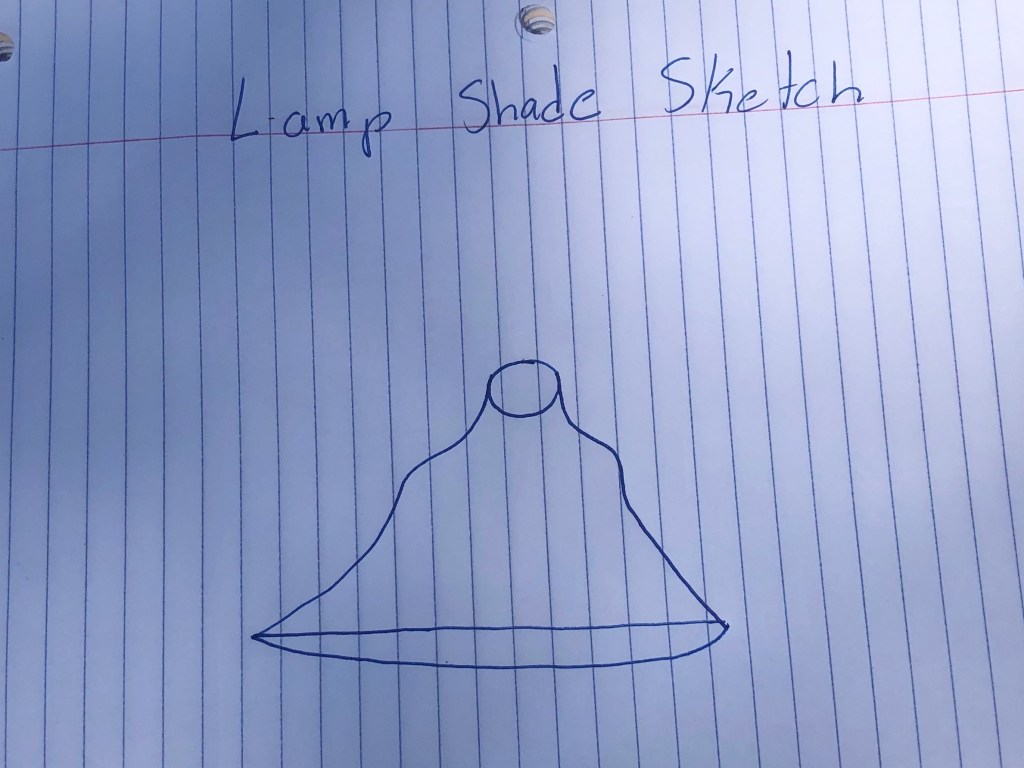
When I was first designing my lamp shade, I sketched a rough version of what I wanted it to look like.

The second step was to sketch a line that would eventually be rotated to create the overall shape of the lamp shade. I used Microsoft Word to do this.


For the last step, I shelled the overall shape so that it would be hollow in the middle and added a whole for the lightbulb at the top. I then made the shade solid gold because I am a baller and rendered the final model.
Model 3: The Flask



The third model was a glass or plastic flask with a red liquid inside. In order to create the flask, I first designed half of the flask. I then designed half of the liquid inside of the flask. I then selected the half designs and rotated them both on the y-axis 360 degrees to create the 3 dimensional shape. Last, I made the outer shape glass and the inner shape red and rendered it.
Model 4: Bowler Hat
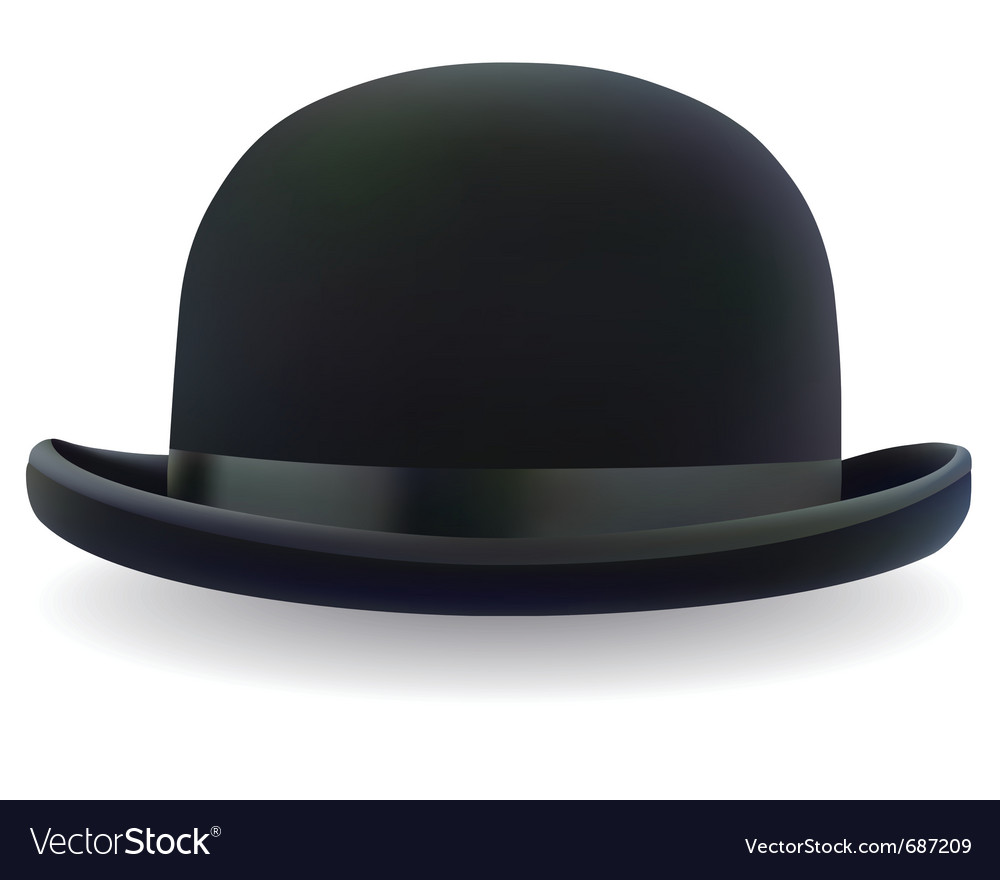
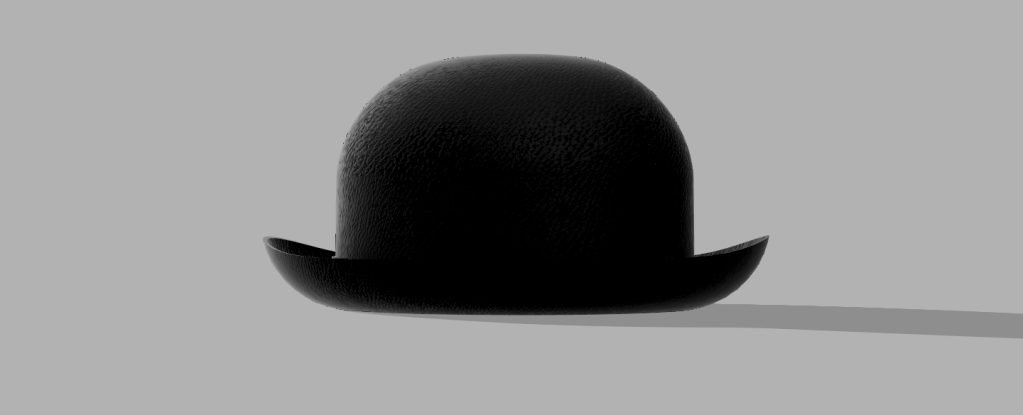
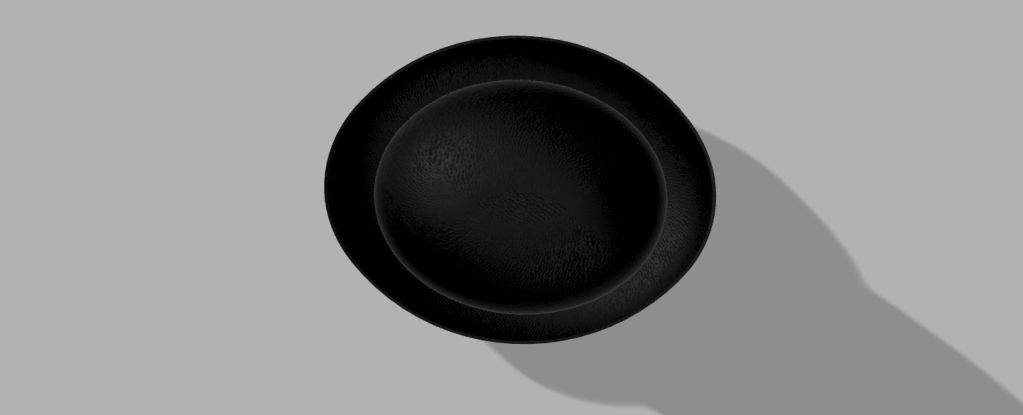
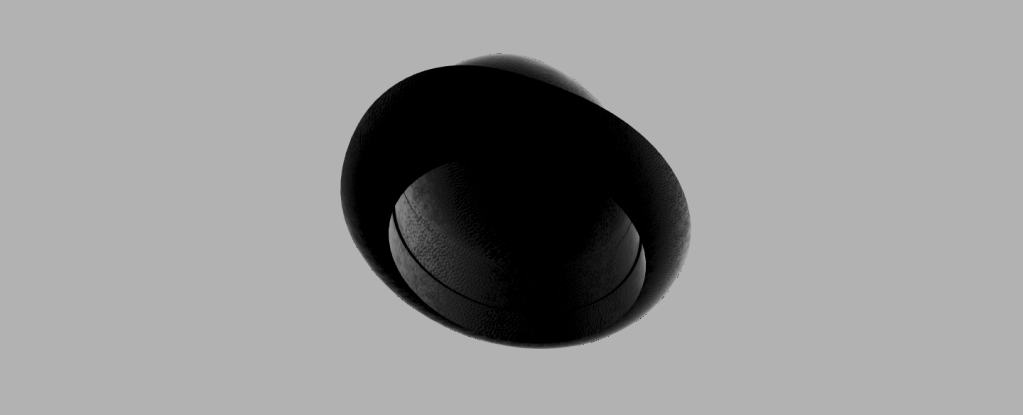
When designing the bowler hat, I first found an image on google that I could roughly base my hat’s unique shape to. The only important part to choosing the photo is that it could not be taken at any angle. I then lined up 2 ellipses to the image and extruded them to create a box hat type shape. Next, I filleted the sides to create the curved portions and shelled both in order to create the rough shape. However, the rim was not cut properly. In order to cut the rim, I used a fit point spline. I drew the shape of the rim and then extruded the shape through each side of the hat. This left a hole through the whole hat. To finish off the shape, I extruded the shape above the hole down to fit and connect with the rim. I then changed the texture and color to black leather in order to match the example from class.
OVERALL
Overall, I thought that fusion 360 was the easiest system to use. I particularly liked the fact that there were endless ways to accomplish different steps for each model. This made life way easier.
 Jon's Technology Blog